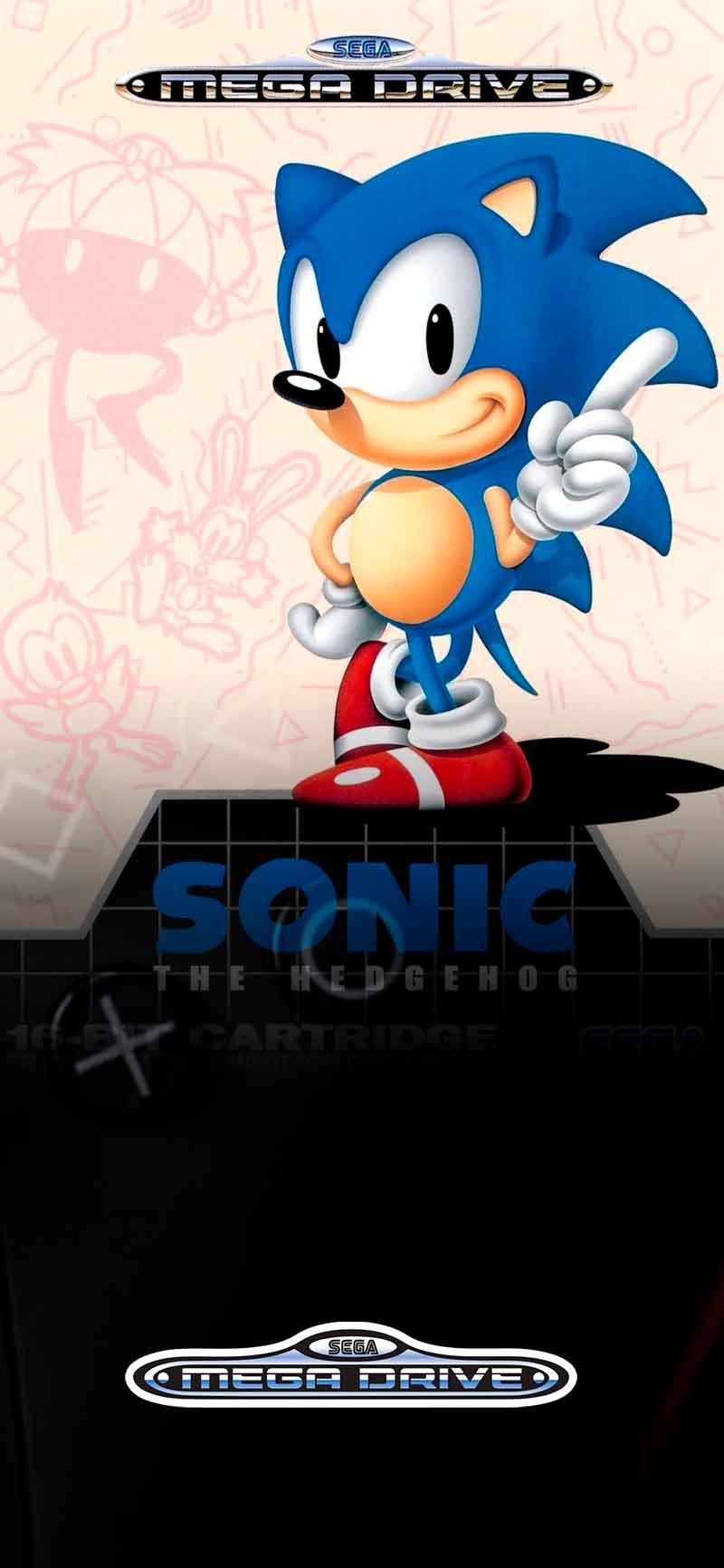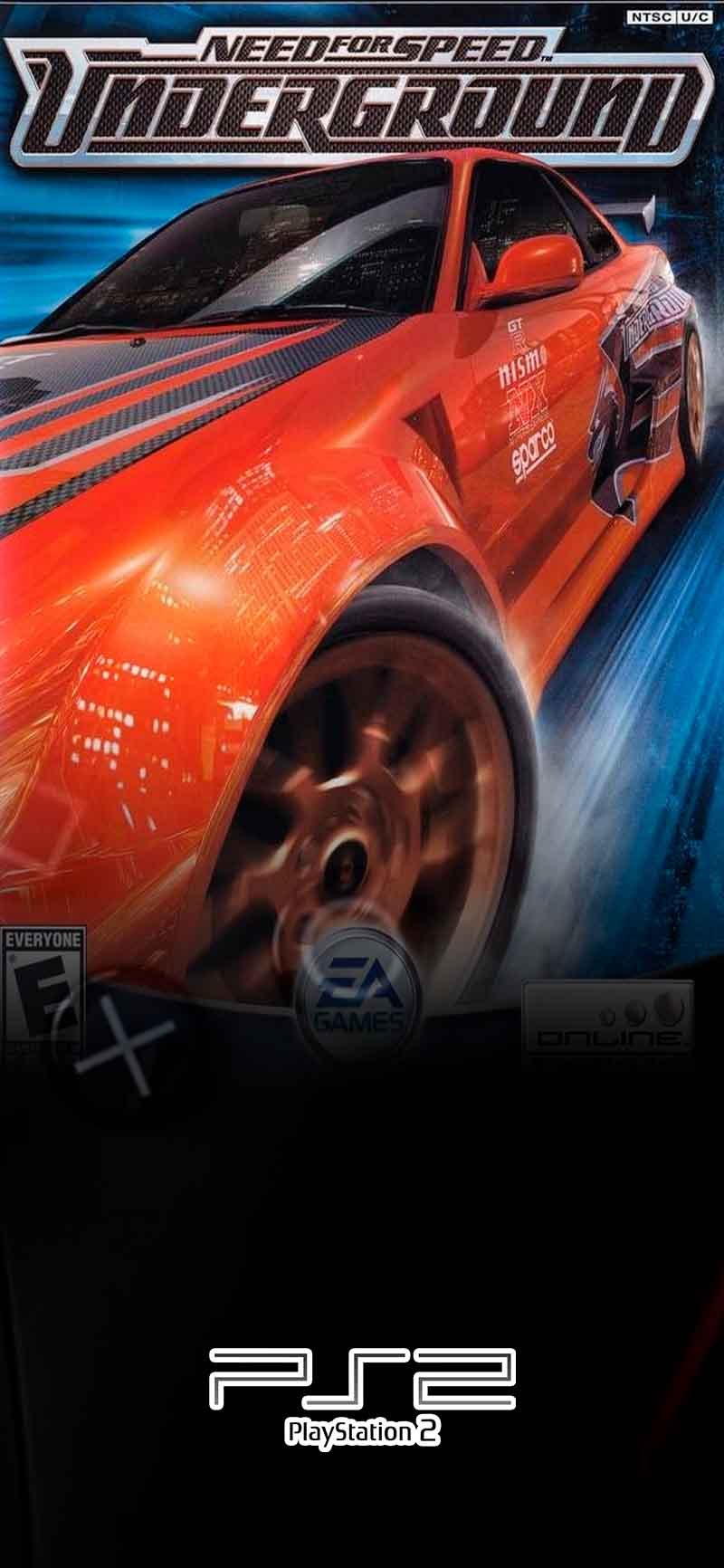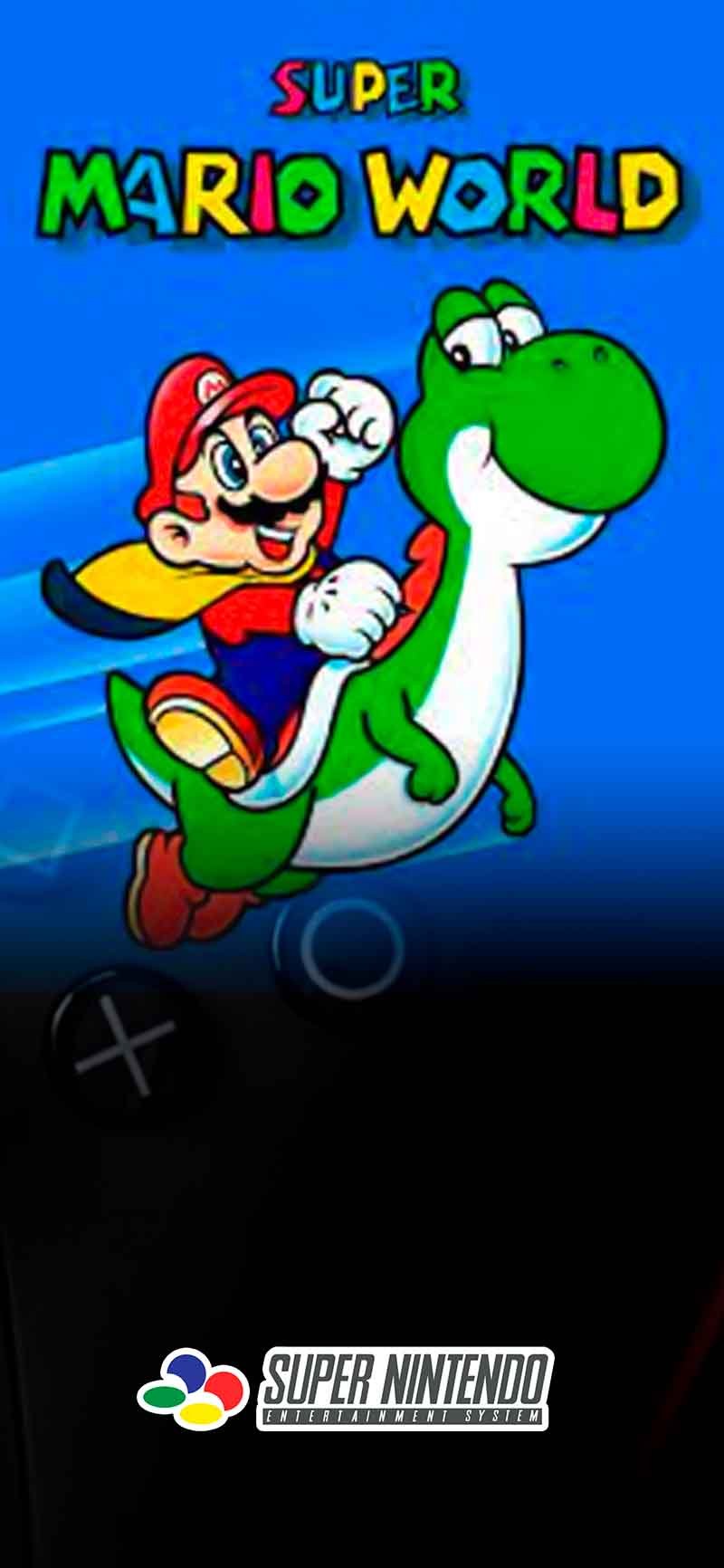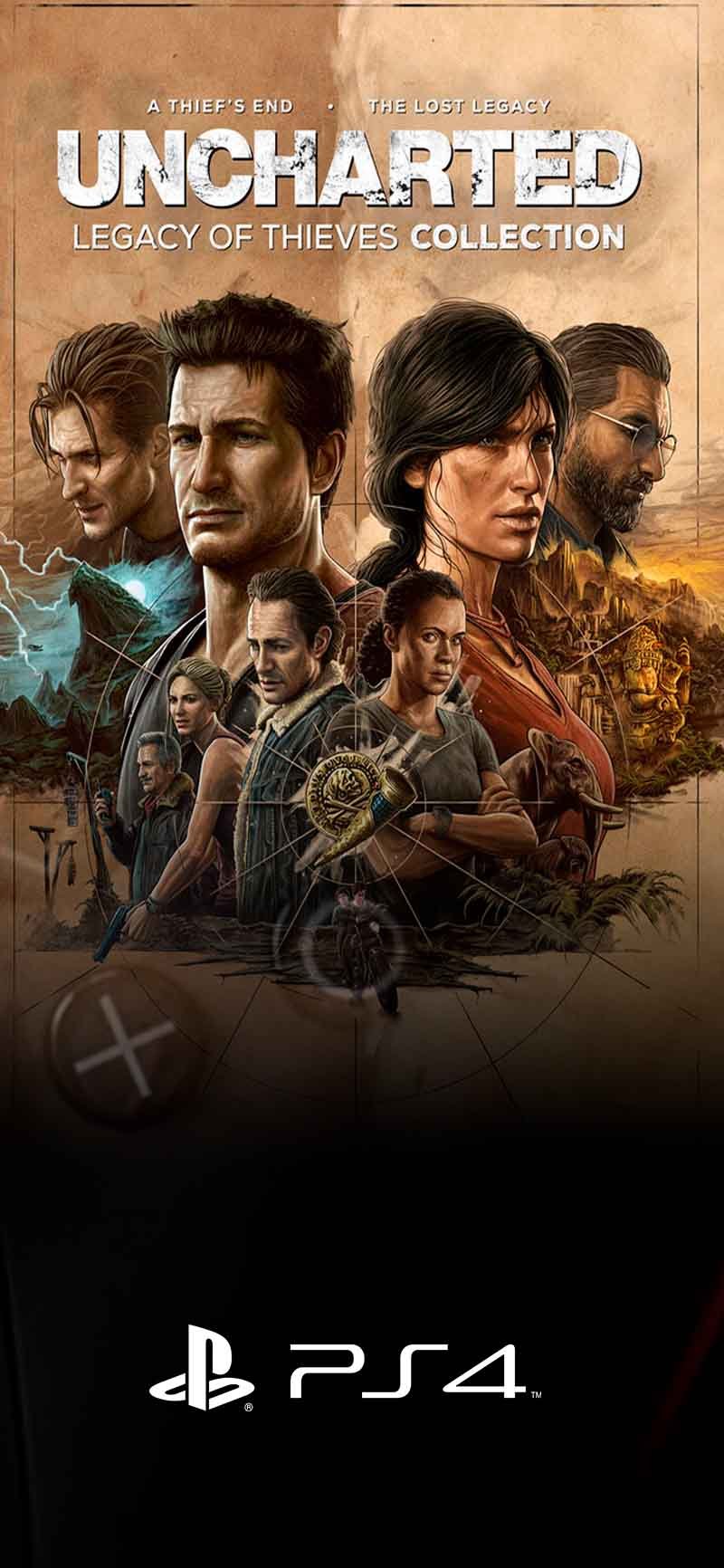







Maquina Retro [EN] – maquinaretro.site Maquina Retro [EN] – maquinaretro.site

🔥 Last day: unlock more than 7,000 retro games with 50% off — access now.

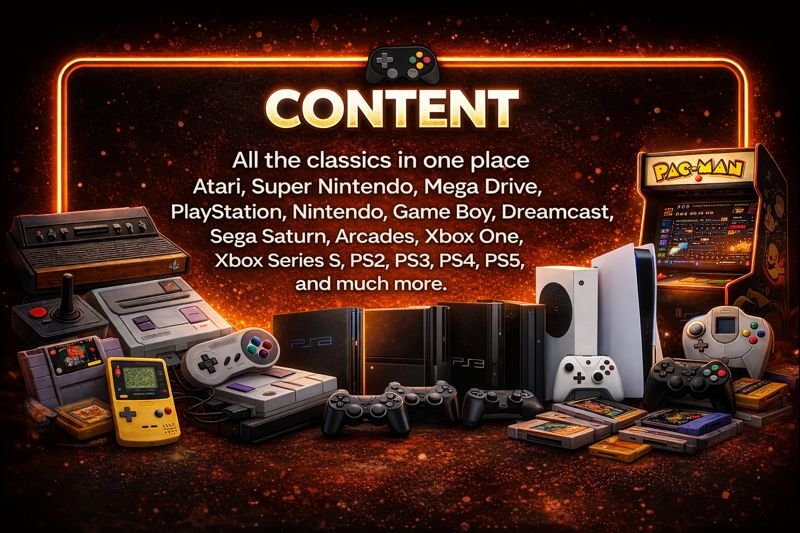
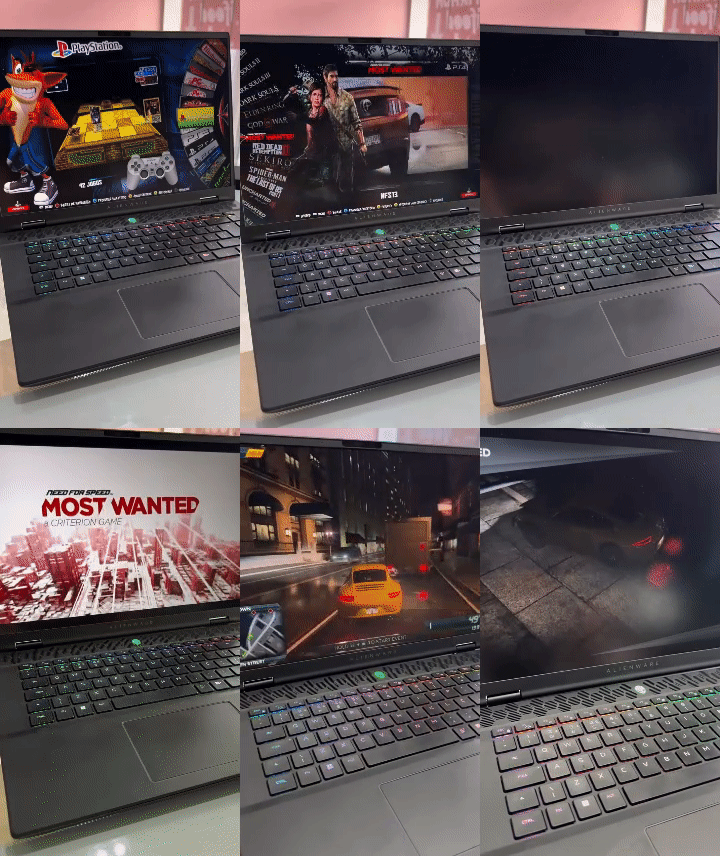
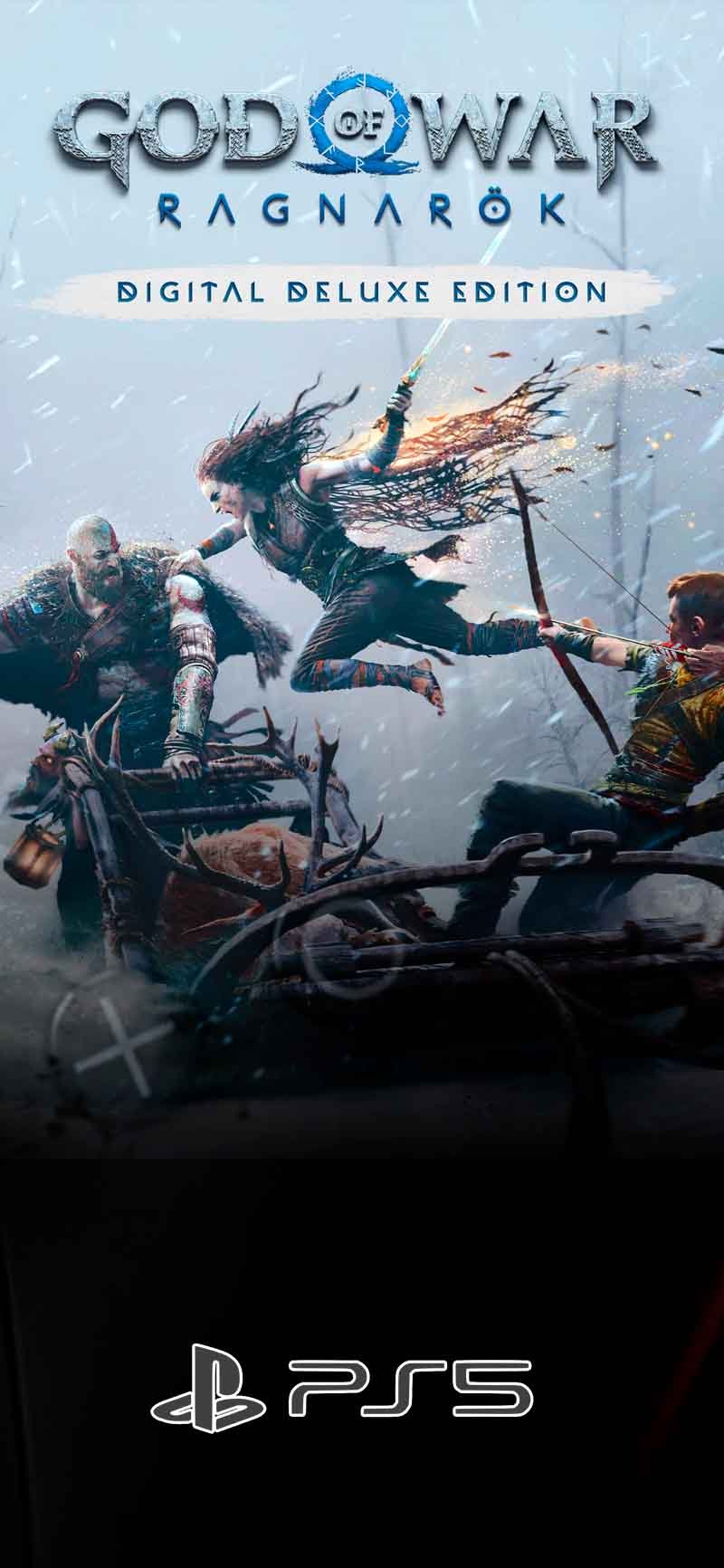
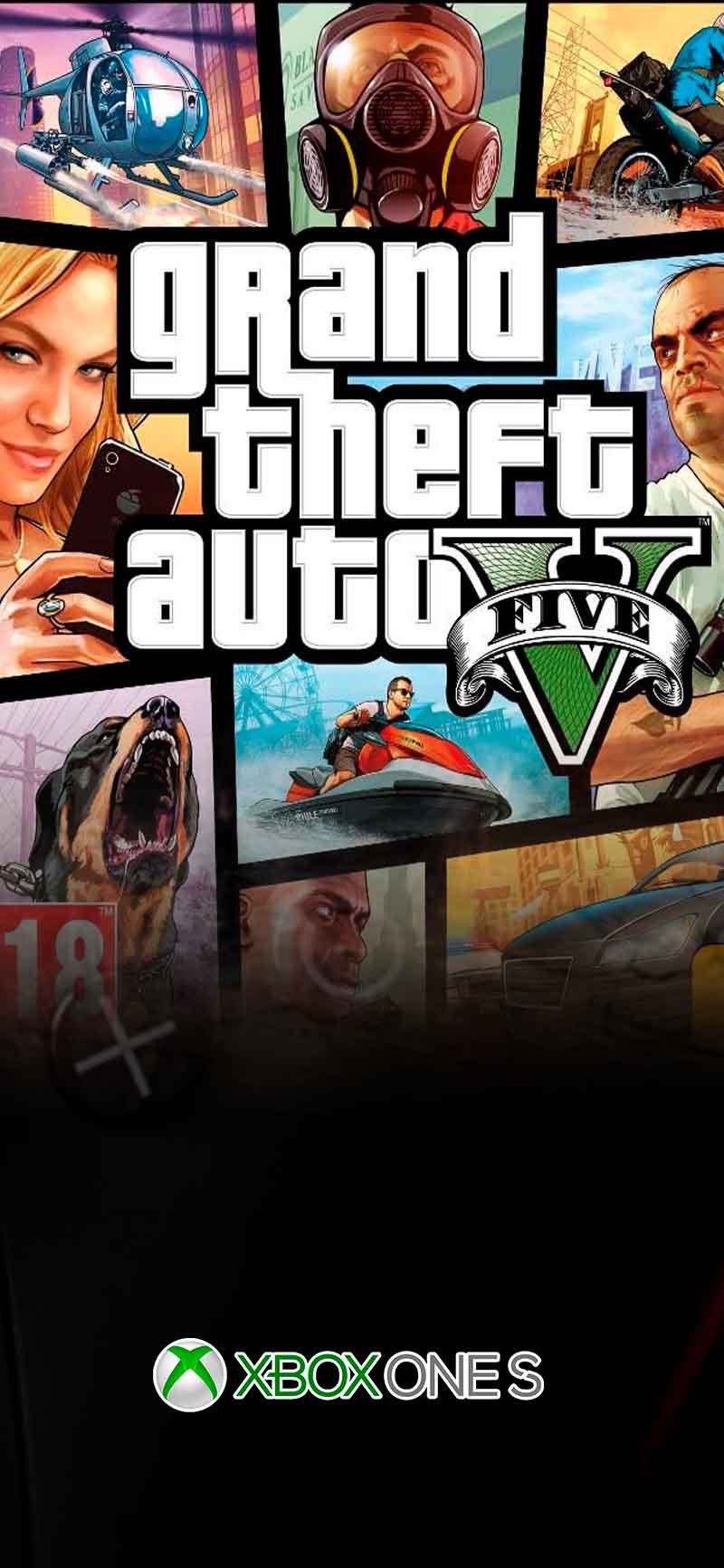
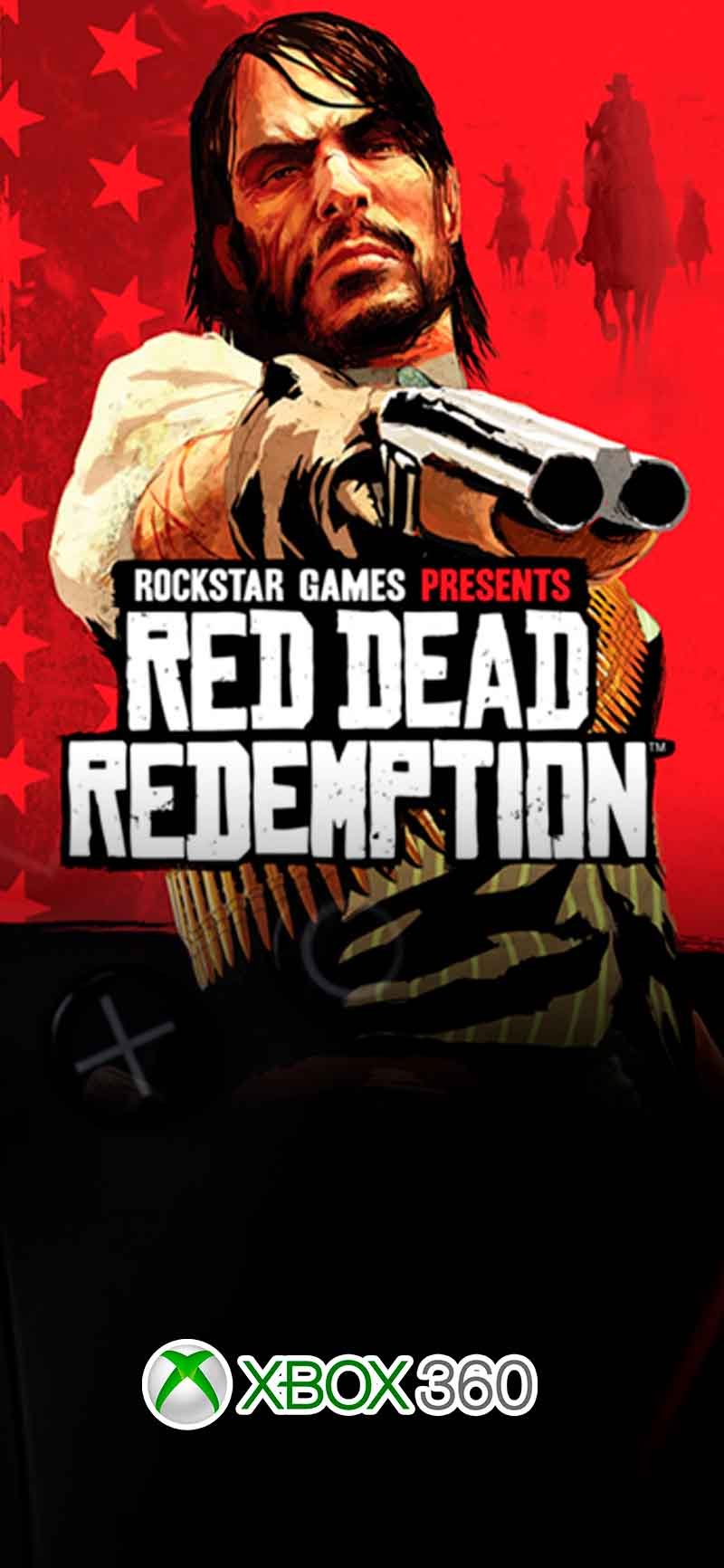
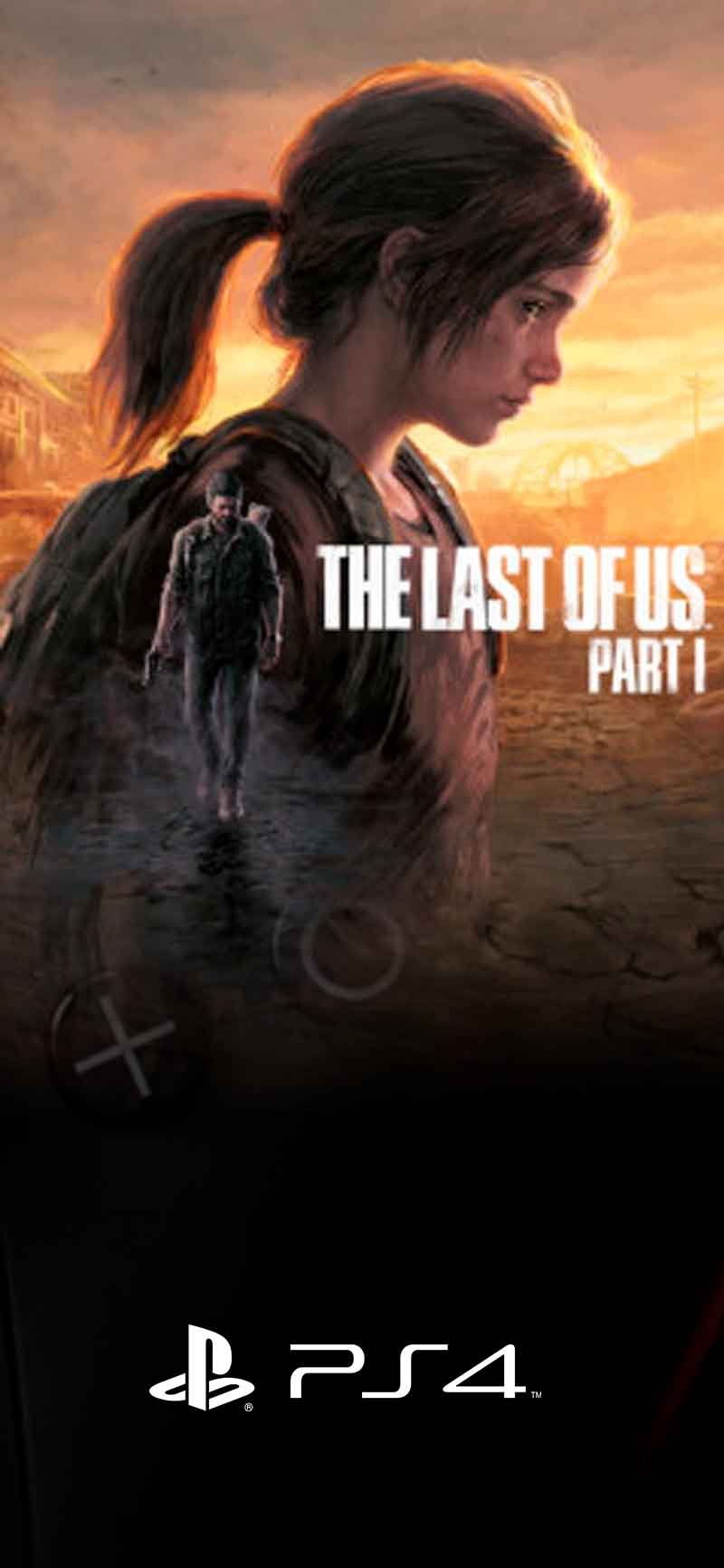
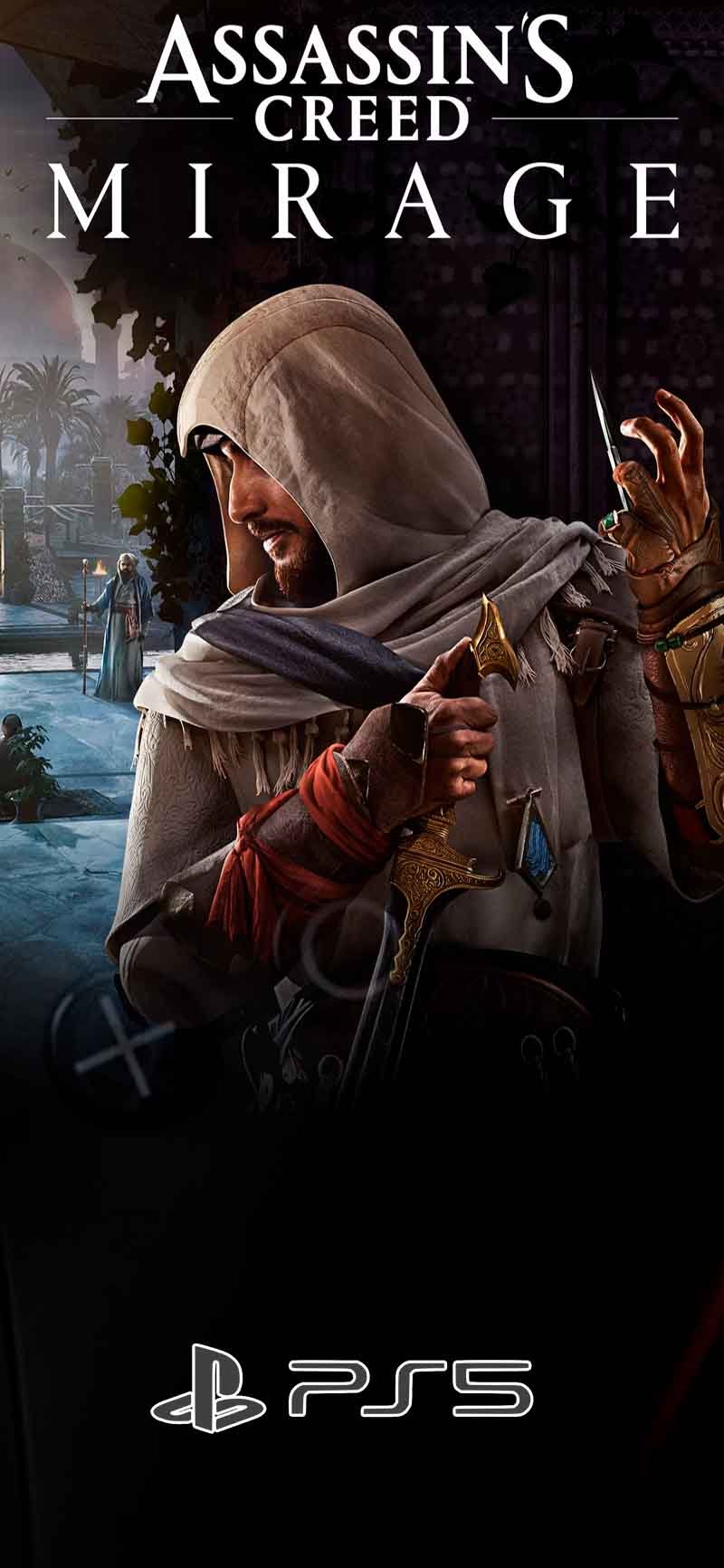
Play 7,000+ Retro Games on Your PC From NES to PS5 Classics - All in One Place

Install once. Play forever. No subscriptions. No per-game fees. 7,000+ tested titles ready in minutes.

Customer Reviews

The games you saw in store displays, rented from video shops, or dreamed of owning… now they’re all yours.

Full Access

THE RETRO MACHINE

Before: $69,90

Minutes
Seconds

Last Day: 50% Early Access Discount

🔥 Today: $29 USD

one-time payment

⚠️ We're limiting this offer to the first 500 adopters. After that, price returns to $79.90 permanently.

Play & Feel the Nostalgia Guarantee — 7 Days, No Questions Asked

If reliving the joy of playing like the old days doesn’t excite you within 7 days, we’ll refund every dollar.
No stories. No hassle.

Instant full access: more than 7,000 titles ready to play

Guaranteed quality: tested games, fully working

Human support: help to install and start playing in minutes

Full refund within 7 days if it’s not for you — no questions asked

Do I need to explain why? → No. Refund with no questions.
How long does it take? → 24–48 hours after request.
Do I lose access? → Yes. Access is disabled after the refund.

FAQs

What are the minimum PC requirements?
  • Operating System: Windows® 10 (64-bit recommended)

  • Processor: Intel® Core™ i3 dual-core 3.0 GHz or AMD Ryzen 3

  • Memory (RAM): 8 GB

  • Graphics: Intel HD 620, NVIDIA® GeForce® GTX, or AMD Radeon™ R5

  • Storage:

    • 150 GB available space — Standard Version

    • 1 TB available space — Premium Pack (optional add-on)

  • Compatible Controllers

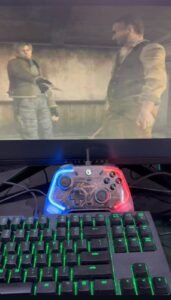
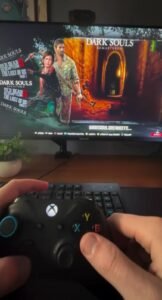
    • Xbox 360 Controller

    • Sony PS4 Controller

    • 8BitDo SN30 Pro

    • GameSir T4

    • Knup USB Gamepad

    We recommend using Xbox controllers or any controller that supports the XINPUT driver.

    XINPUT is the same driver used by Microsoft controllers.
    This means the controller will be recognized by Windows as an Xbox controller, even if it is not an original Microsoft device.

✅ Answer: No. At the moment, Retro Machine is compatible with Windows 10 and Windows 11 only.

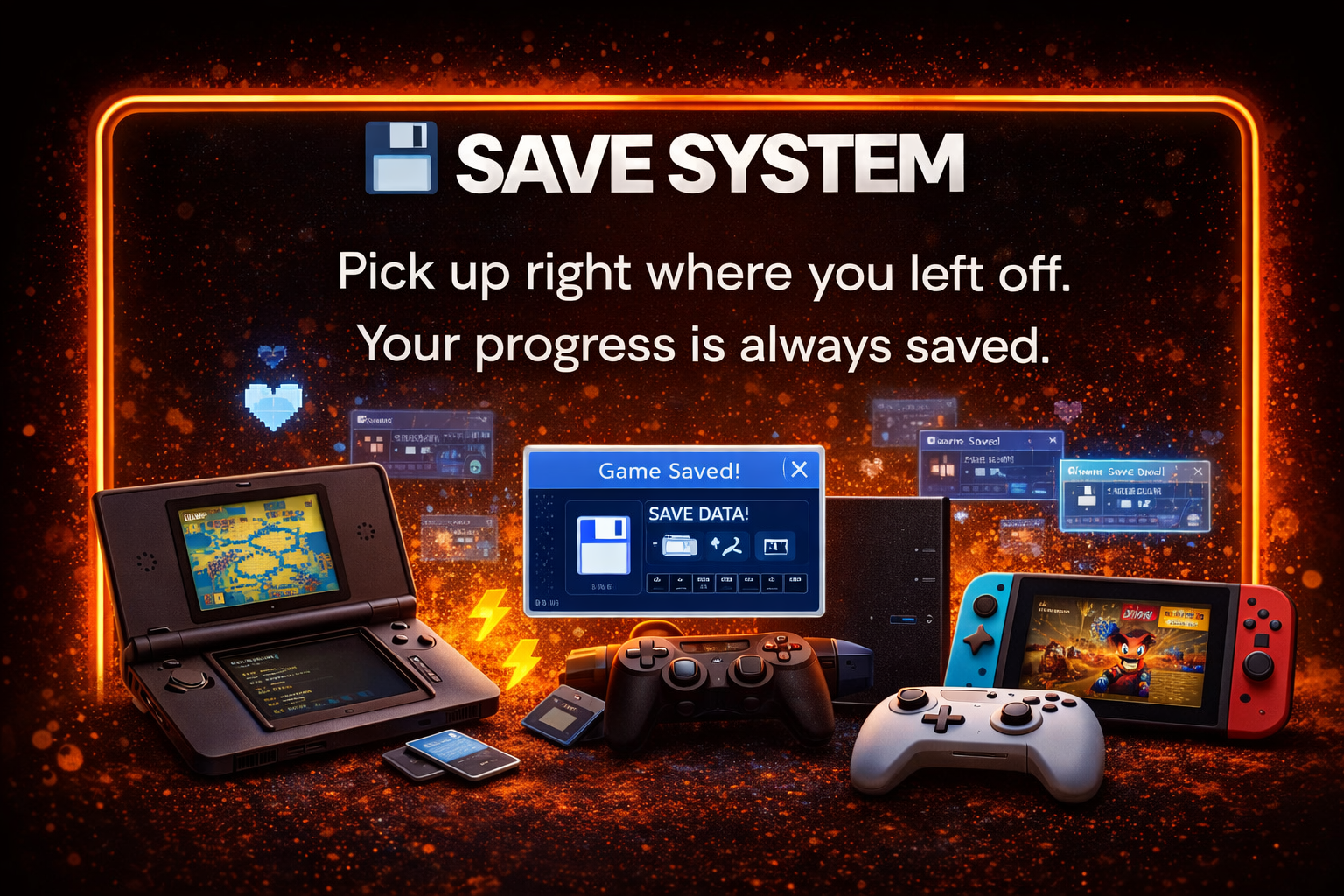
✅ Answer: Yes. You can save your progress and continue exactly where you left off.

✅ Answer: Yes. You can install and store it on an external hard drive, so it doesn’t take up space on your computer’s internal storage.

✅ Answer: No. You’ll receive access to our members area to download the content, along with step-by-step installation tutorials.

✅ Answer: Only to download, install, and activate your access. After installation, you don’t need an internet connection to play locally — your progress is saved on your device.
(Online multiplayer or new downloads do require an internet connection.)**

Payment Methods

Secure Website

Legal Notice

This page has no affiliation with Meta Platforms, Inc. (Facebook) or any of its affiliated companies. We use their platform solely to promote our products. Once you leave the platform, all responsibility for the products offered and sold lies exclusively with Máquina Retro, including any legal matters.

We declare that Facebook / Meta has no partnership, involvement, or shared liability in any potential civil or criminal proceedings.

Support email: suporte@maquinaretro.com

Important: Do not purchase pirated products. We do not sell on marketplaces such as Mercado Libre, Shopee, AliExpress, Facebook Marketplace, OLX, or similar platforms. We do not provide support for products purchased through those channels.